Steward
分享是一種喜悅、更是一種幸福
掌機 - GPD Win 上蓋鋁合金版 - Debian 9.0 - 安裝系統(XFCE)
安裝步驟如下:
1. 下載Debian 9.0 ISO並且制作USB開機片
2. 接著透過USB開機(Fn + F7)並按照一般安裝步驟就可以安裝完成
3. 於安裝中,選擇使用界面為XFCE
4. 安裝其它需要套件(先透過其它USB網卡上網)
$ sudo apt-get install xinput sudo python -y

$ cd
$ wget https://github.com/steward-fu/website/releases/download/gpdwin/bin_util.7z
$ 7za x bin_util.7z
$ cd gpdwin_util
$ sudo ./run.sh
$ sudo reboot
完成
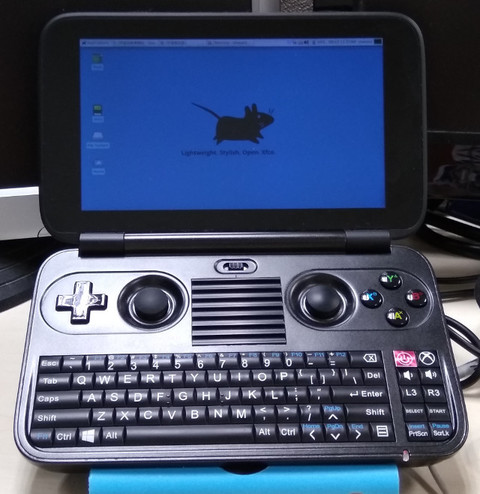
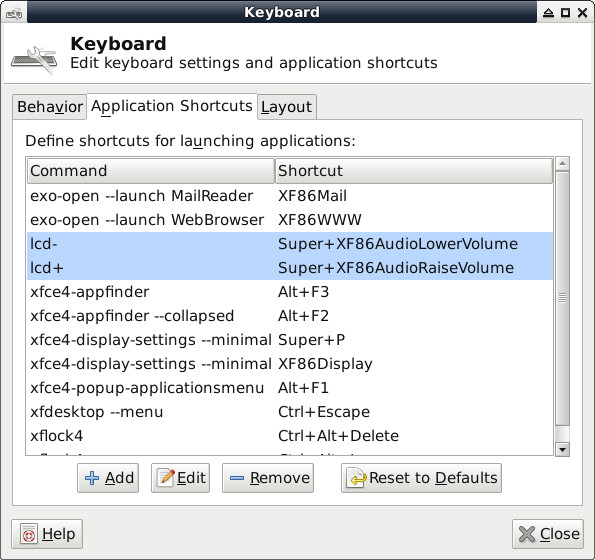
安裝完成後,音量快捷鍵已經支持,但是缺少亮度調整,因此,司徒使用使用Win + Vol-、Win + Vol+,當作亮度調整快捷鍵(配置檔位於:~/.brightness.cfg):
Application => Settings => Keyboard
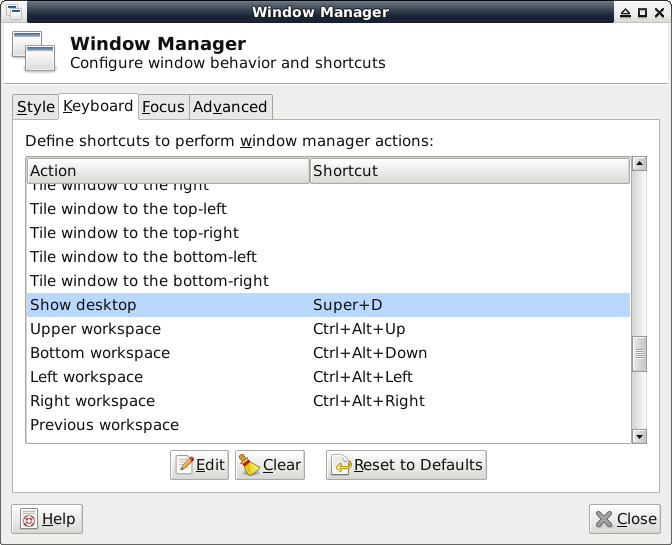
Win + D顯示桌面:
Application => Settings => Window Manager
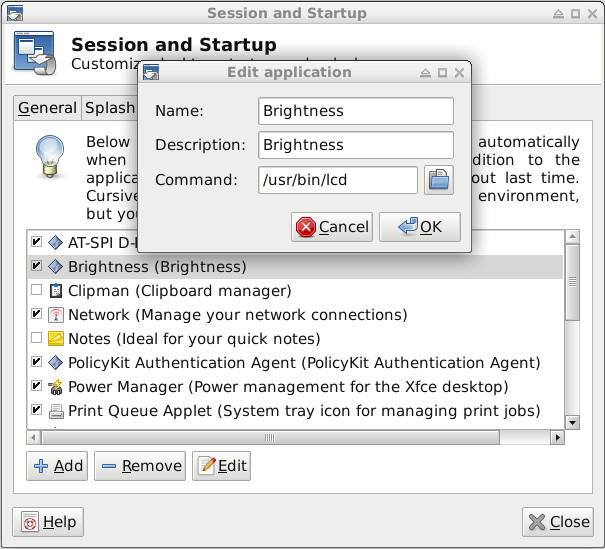
設定開機亮度(自動讀取~/.brightness.cfg):
Application => Settings => Session and Startup
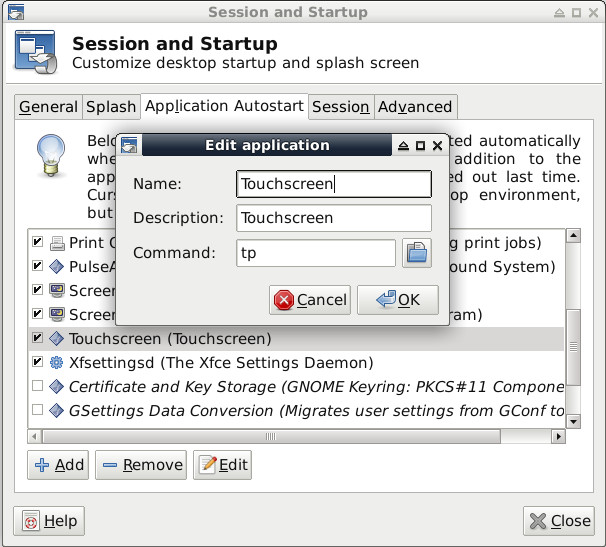
設定Touchscreen
Application => Settings => Session and Startup